
FieldFlag for solar and energy sites
Every defect on the site located, photographed and assigned.
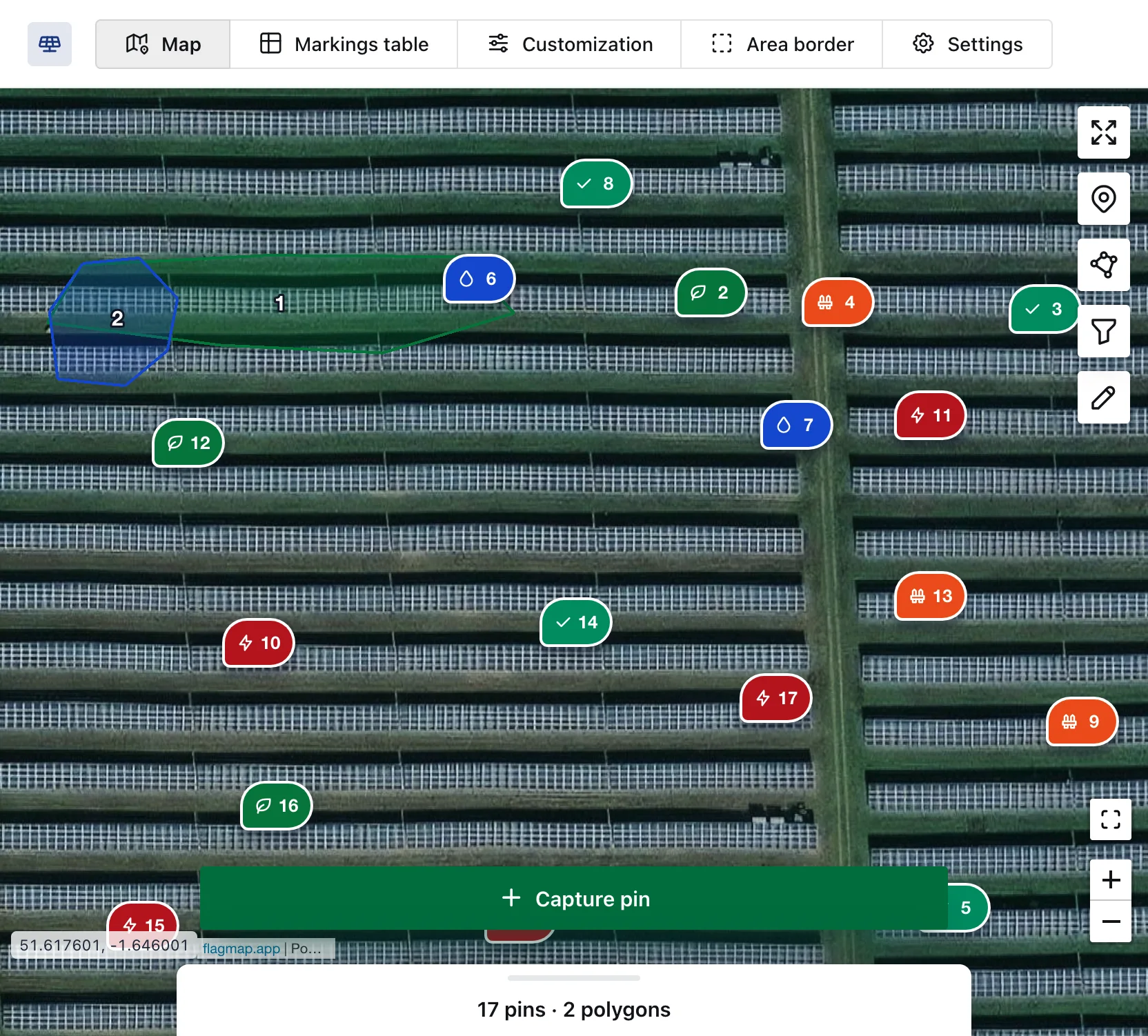
Walk the solar farm and mark what you find on an aerial photo: a cracked module, a bent fence panel, growth shading a row. Each finding has its place, its photo and the contractor who will fix it.
Start for free. No credit card required.
The old way
Where paper, photos and memory let you down.
"Row 30-something, east side"
A defect that is hard to find again costs a second walk of the site.
Five versions of the snag list
The list lives in spreadsheets, emails and messages, and the contractor who fixed an item does not have the latest one.
Photos in random folders
The photo that proves the defect, or the repair, is in somebody's gallery with no row number.
How it works
Start recording in three steps.
Draw the site
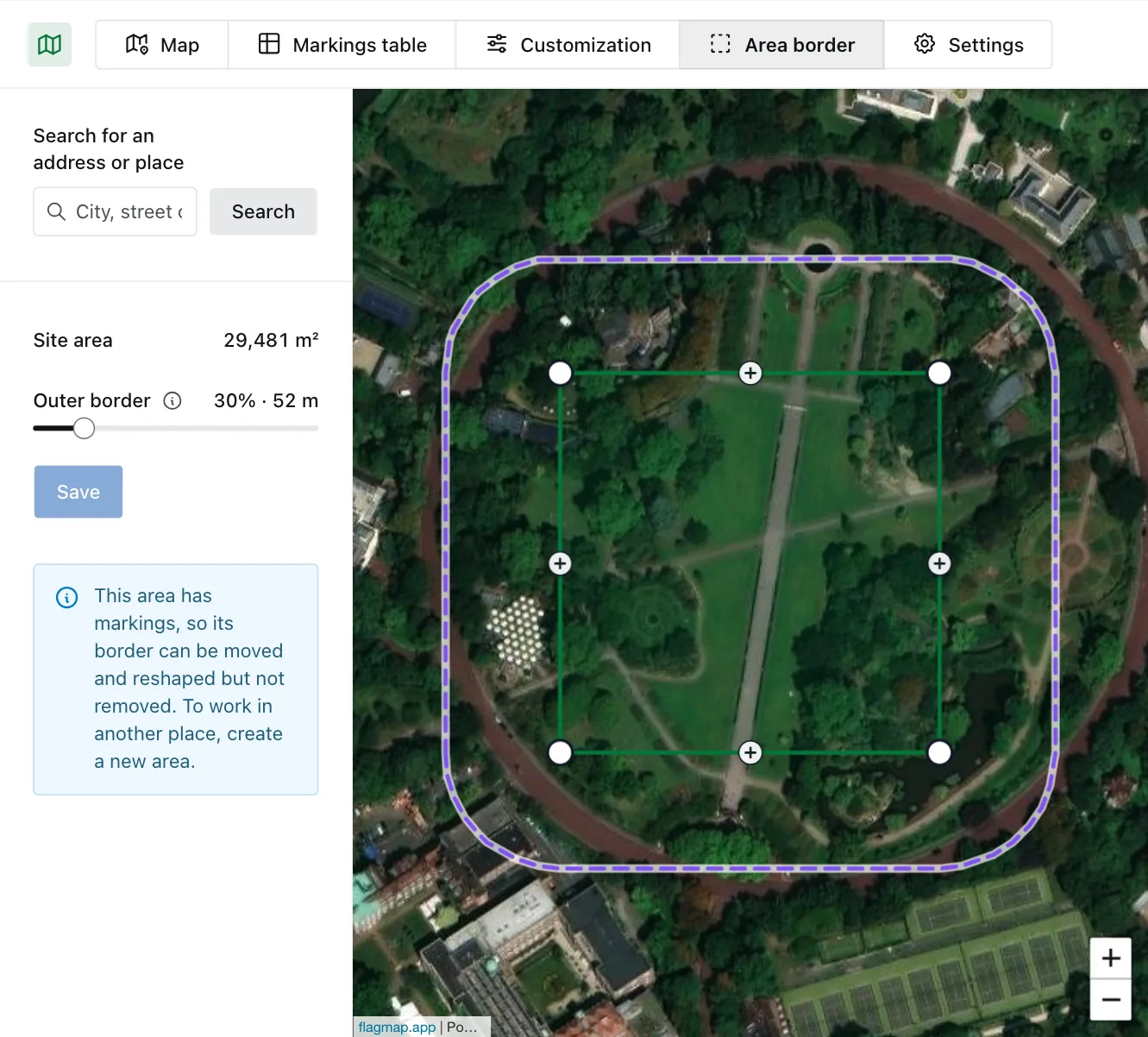
Search for the site and tap the corners of the array or the block on the aerial photo.
Set up what you record
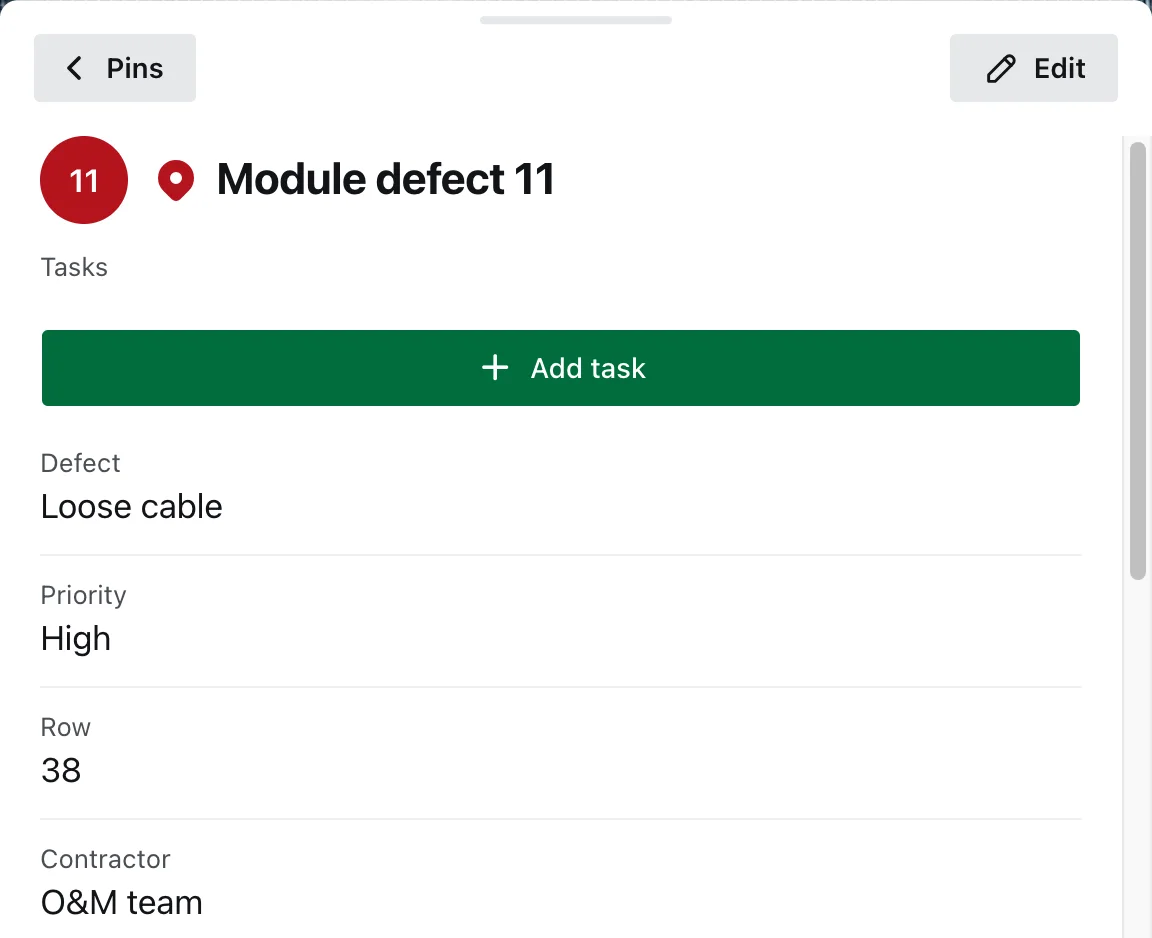
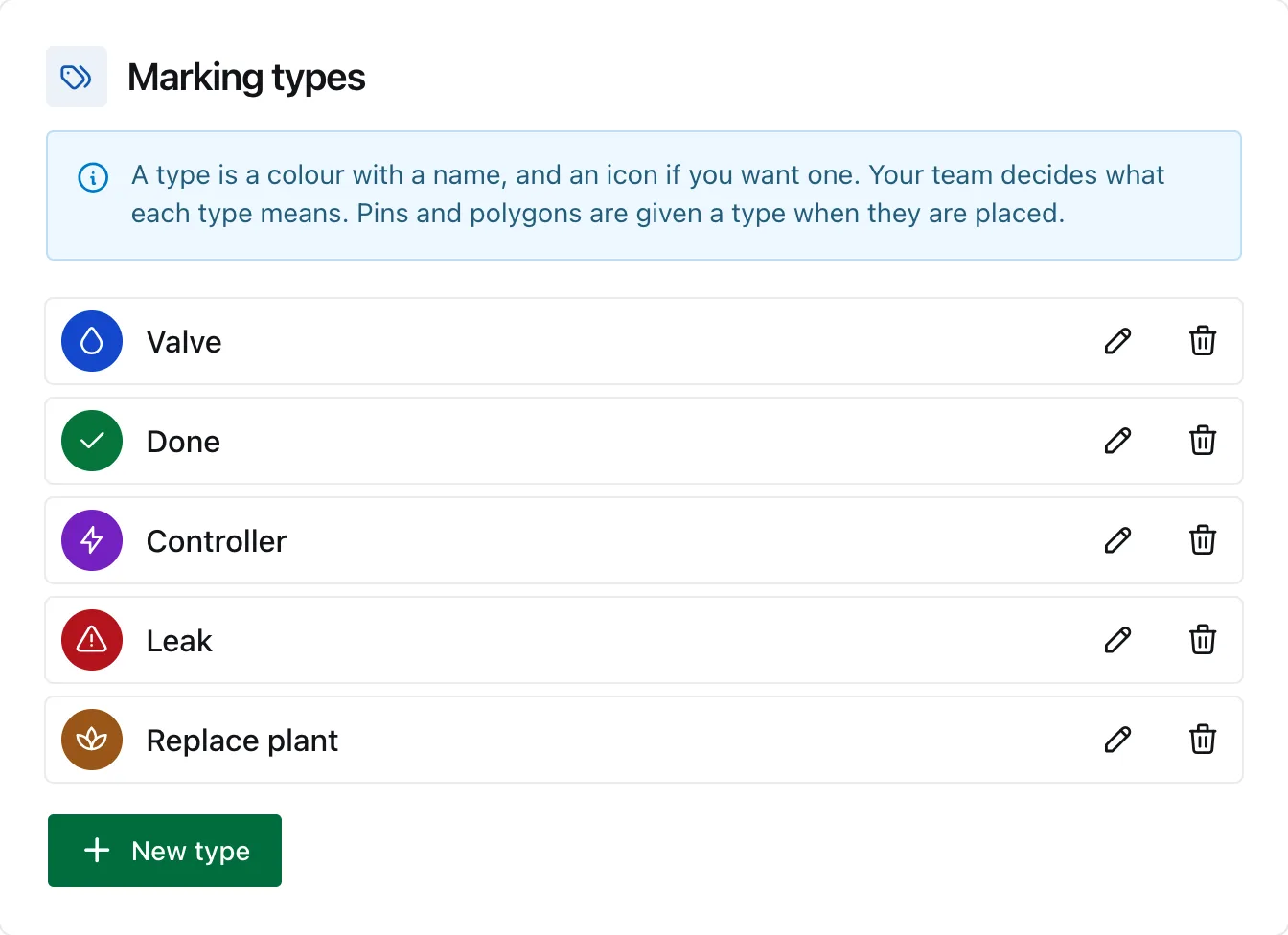
Create types such as Module defect, Fence, Vegetation, Drainage and Fixed. Add form fields for the defect, the priority and the row.
Mark it on the walk
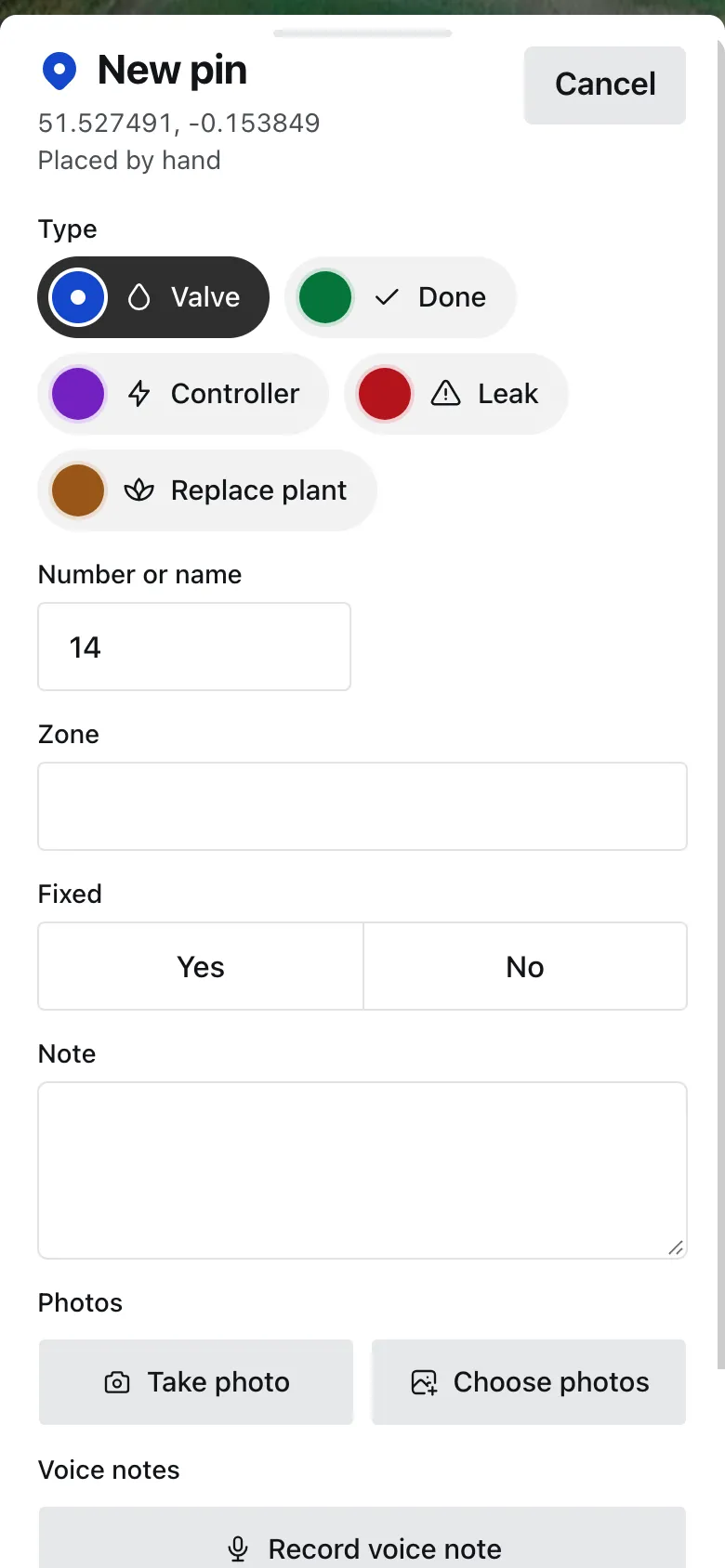
Stand at the defect, tap the map, choose the type and take the photo.
What you get
Every defect on the site located, photographed and assigned.
Site inspection
Every finding located on the rows.
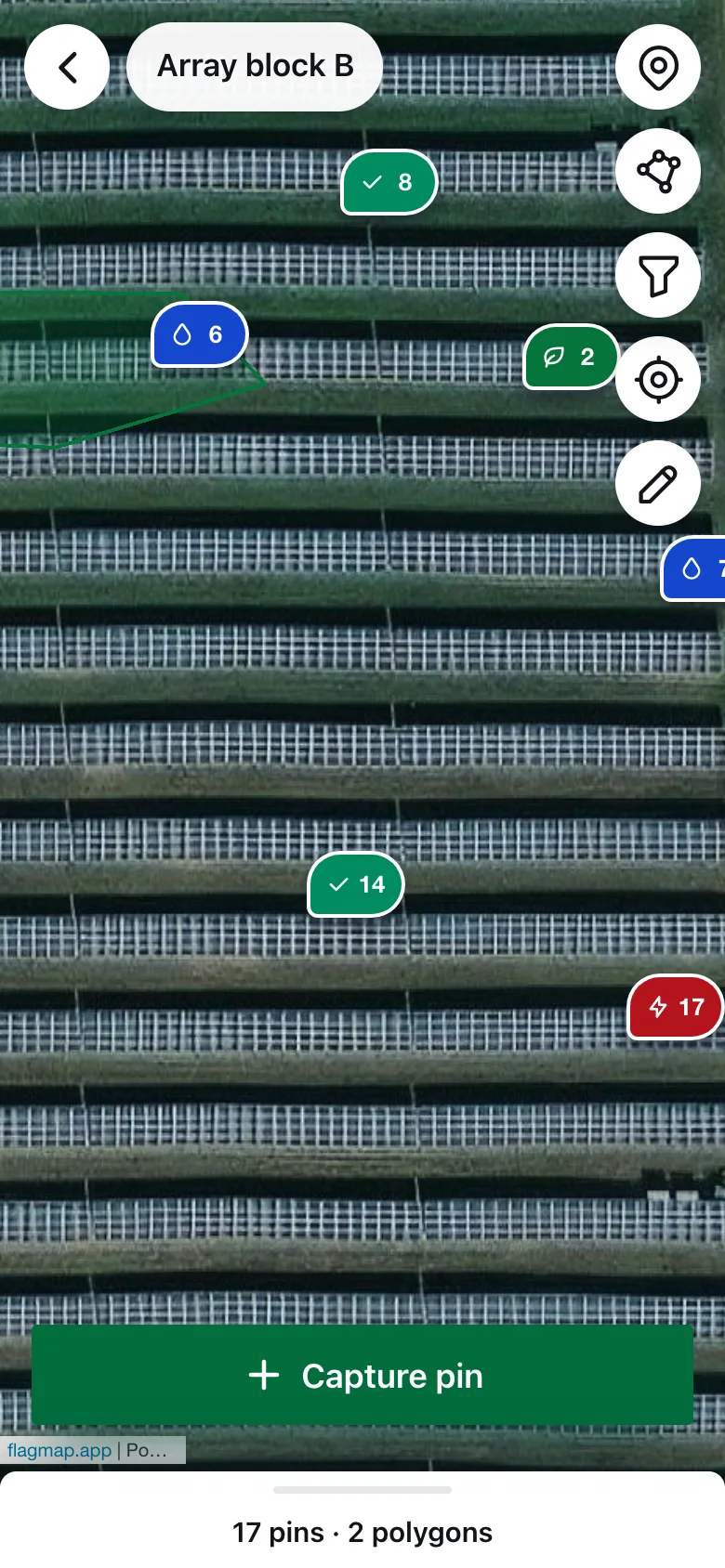
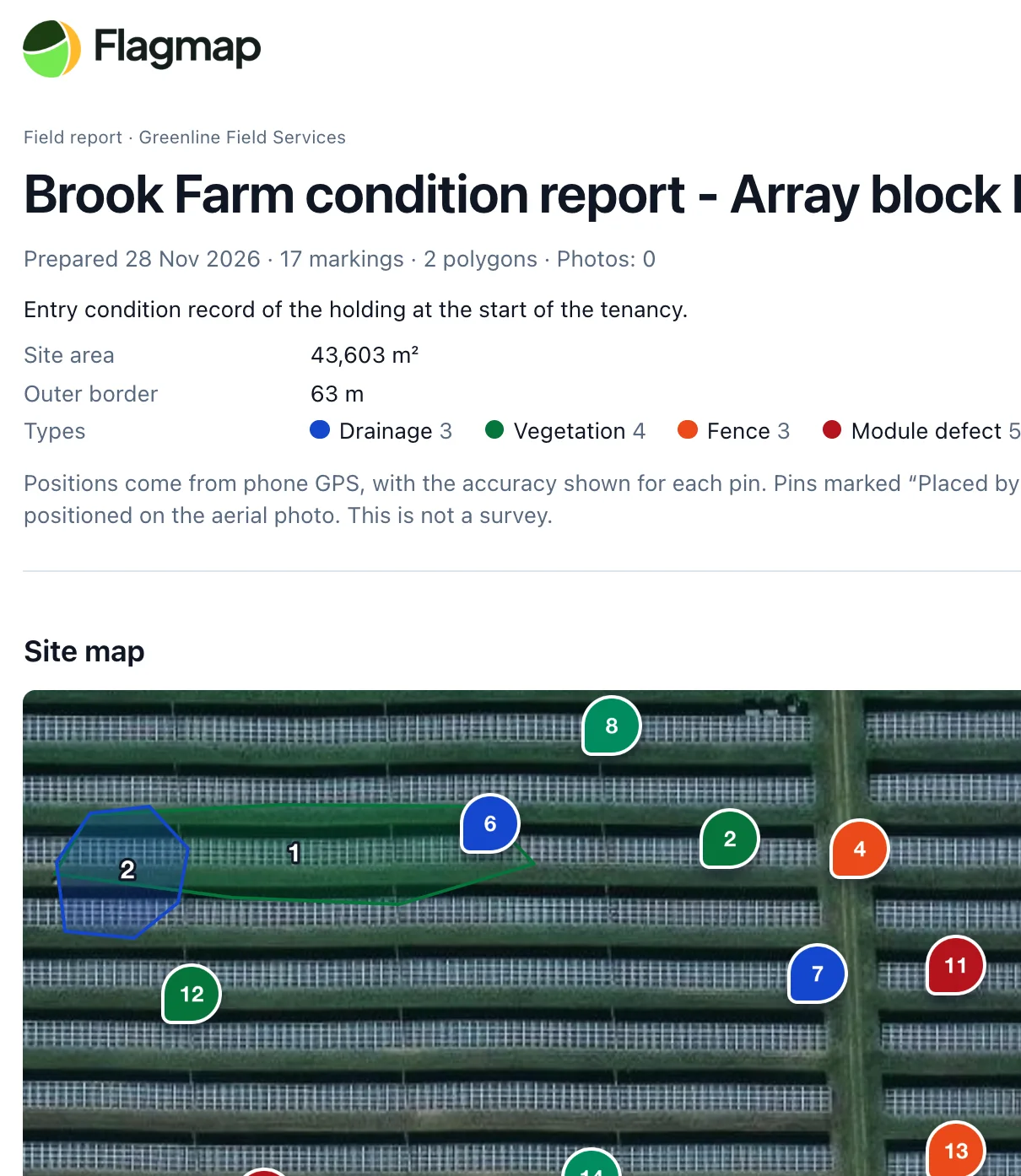
Each defect is a numbered marking on the aerial photo, at the row where you found it, in the colour of its type. Draw a shape around growth or standing water.
- Module, fence, vegetation and drainage types
- Row and priority as form fields
- Shapes for areas of growth, erosion or water
Snag list
One snag list that everyone sees.
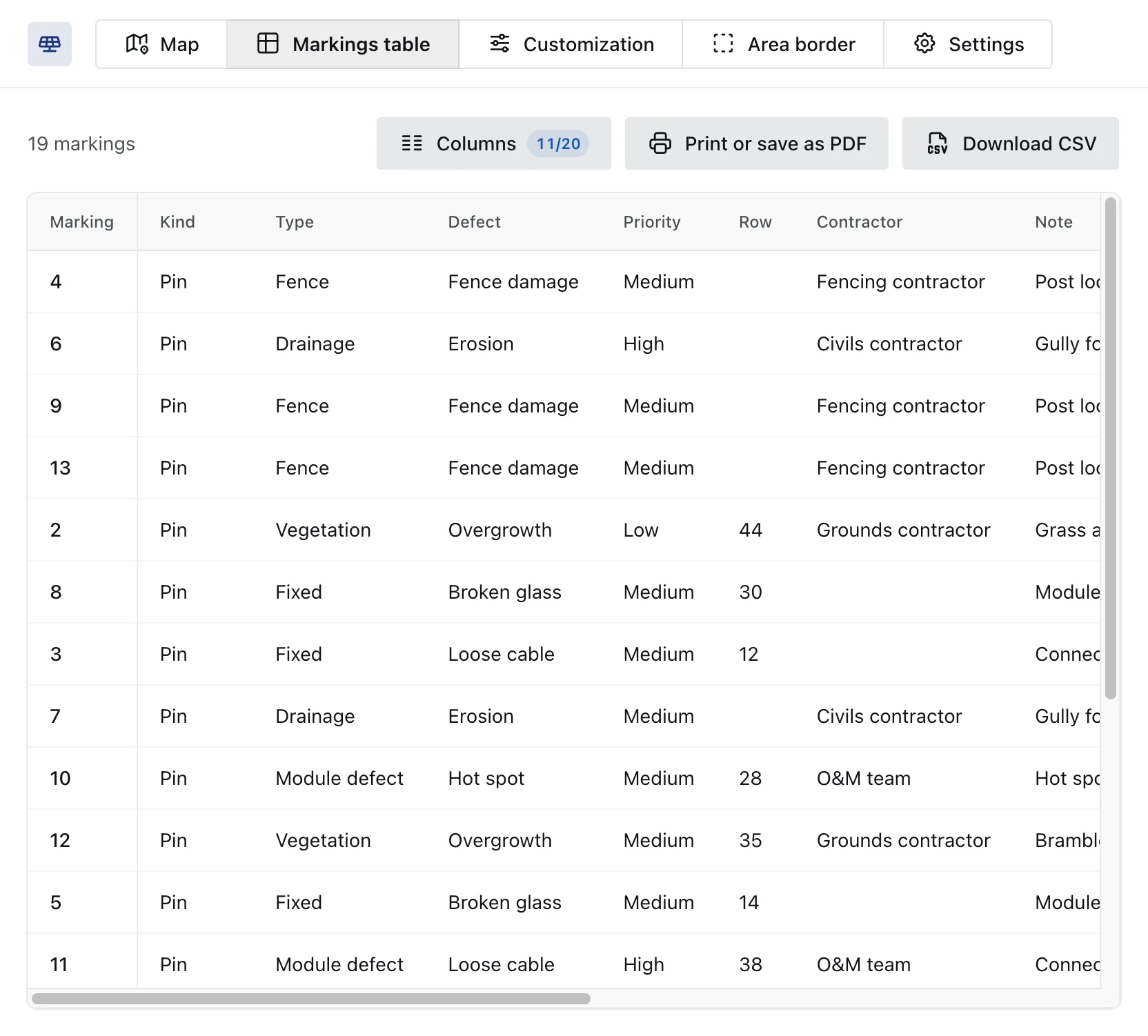
The markings table is the list: every item with its defect, priority, row, contractor and status. Download it, or send a view-only link so nobody works from an old copy.
- Your own columns, such as contractor and priority
- The table as a spreadsheet
- The report with the site map, saved as a PDF
Close out
Assign each item and see it closed.
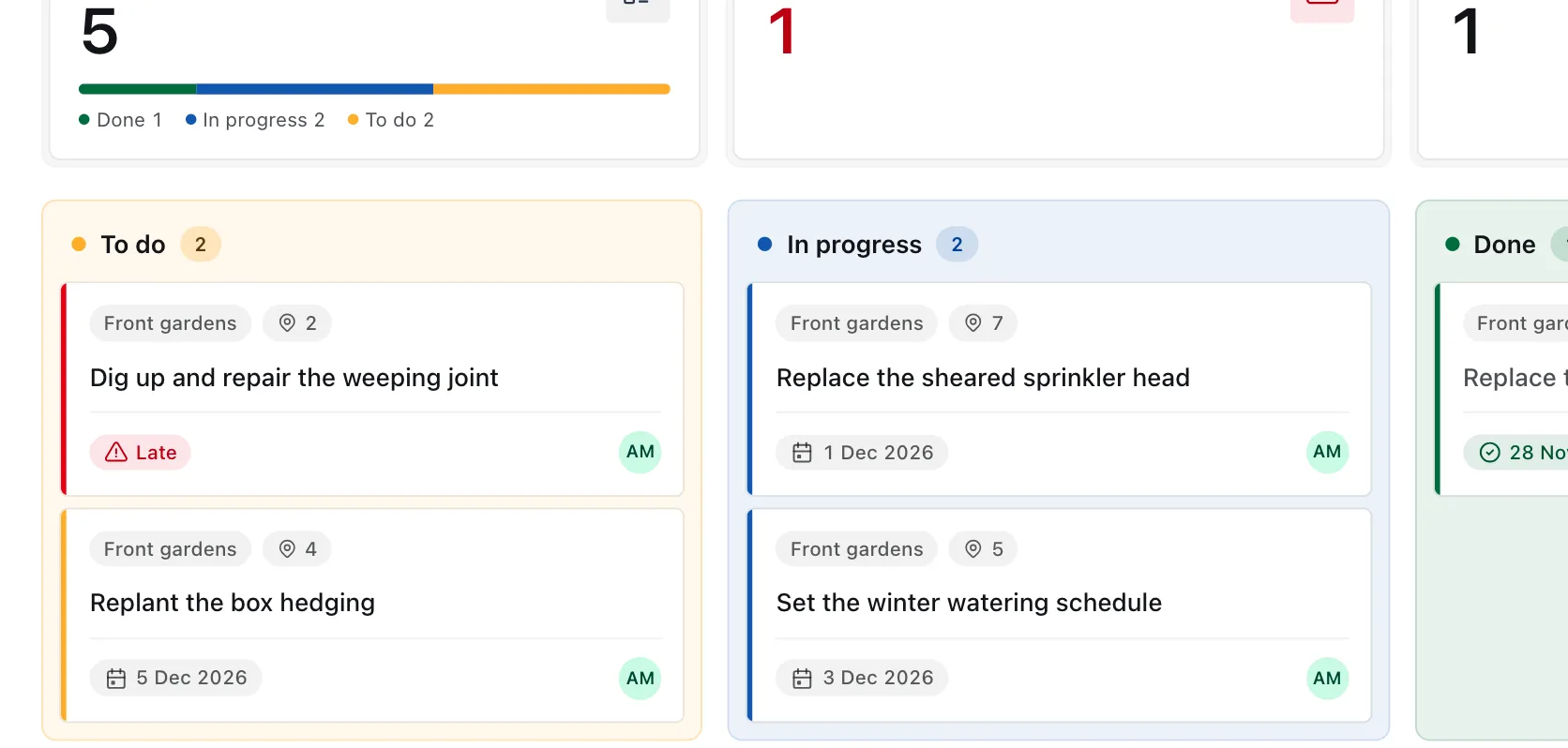
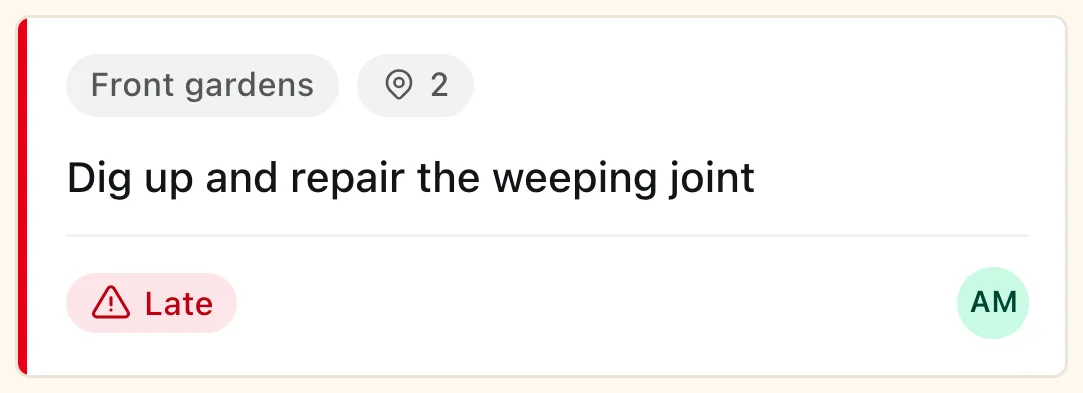
Turn a marking into a task for a person with a due date. It shows on their phone at its row, and on the board until it is done.
- Tasks on the marking they belong to Team plan
- A board of what is to do, in progress and done
- A Fixed type for the repair, with its photo
On site
Works across a site with patchy signal.
Open the site once with signal. After that it works anywhere on it, and your markings sync when the phone is back in range.
- Works offline, syncs automatically
- The map shows where you are standing
- Each contractor uses their own language
What you record
Your own types and form, set up in minutes.
Create a type for each thing you record and the form fields you want filled in. These are examples to start from.
- Defect
- Broken glass
- Priority
- High
- Row
- 33
- Note
- Cracked glass, lower left module
- Defect
- Fence damage
- Priority
- Medium
- Contractor
- Fencing contractor
- Note
- Panel bent, gap at ground level
- Defect
- Overgrowth
- Priority
- Medium
- Row
- 12
- Note
- Growth shading the lower modules
What you hand over
An inspection report the asset owner can act on.
Save the report with the site map and every finding as a PDF, download the list as a spreadsheet, or send the owner and each contractor a view-only link.
Spreadsheet
Every marking as a row with your columns, as a CSV file for Excel or Google Sheets.
PDF report
The site map and every marking with its details, printed or saved as a PDF.
View-only link
The live map, notes and photos for people outside your company, with no account.
Jobs it fits
Three jobs crews use it for.
Perimeter and fence inspection
A located photo for every defect along the boundary.
Read moreVegetation and drainage walk
Growth, erosion and standing water drawn on the site.
Construction snagging
Every snag on the site plan, assigned and closed before handover.
Read moreCan I record the row or table number?
Yes. Add a number field for the row, the table or the string. It becomes a column in the list.
Can each contractor see only their items?
Each person has a My tasks list with the tasks assigned to them. Filter the board by person to see one contractor's work.
Is FieldFlag a monitoring system?
FieldFlag is the record of what people find on site: defects, vegetation, fencing and drainage, with photos, on the aerial photo.
Does it work with no signal?
Yes. Open the site once with signal and it works there with no signal after that. Your markings sync automatically when you are back online.
Can my client see the map?
Yes. Send a view-only link. Your client sees the map, the notes and the photos without an account and cannot change anything.
Start today
Leave your next site with the paperwork done
Try FieldFlag on your next site visit. It is free for one person and one site, with no time limit.